What are the special permissions SUID, SGID, and Sticky Bit?
Three extra bits sitting in a fourth, leading octal digit: SUID (4) = "run this program as its owner", SGID (2) = "run as its group, and on a directory, give new files that group", Sticky (1) = "in this shared directory, only a file's owner may delete it".
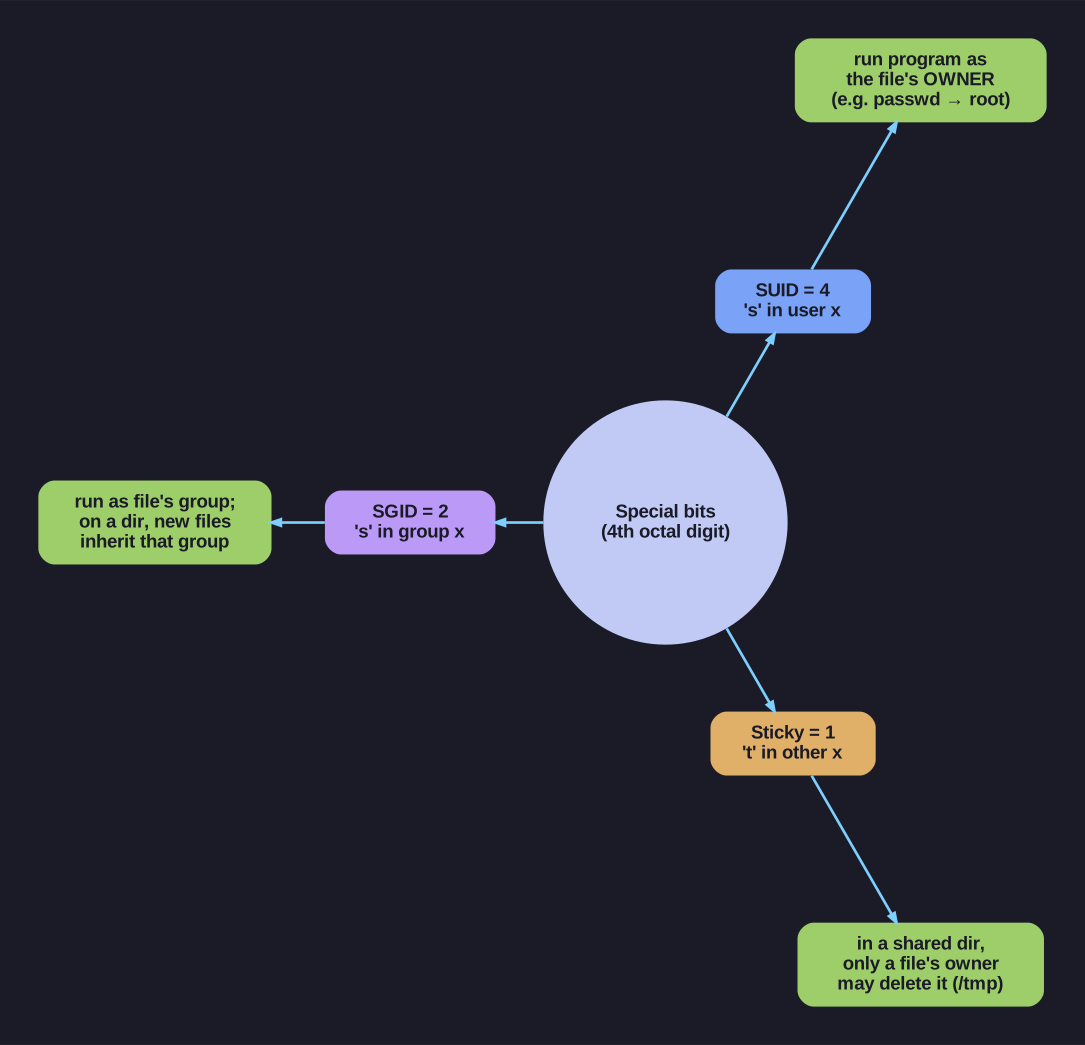
* The three special bits and what each one does. *
These exist to solve cases the plain rwx model can't. SUID lets an unprivileged user run a root-owned program with root's identity for the duration — that's how passwd lets you edit your line in root-only /etc/shadow without being root. SGID on a directory makes every file created inside inherit the directory's group, the standard trick for shared team folders so everyone can read each other's work. Sticky turns a world-writable directory like /tmp from a free-for-all (anyone with w could delete anyone's files) into "create freely, but delete only your own".
They occupy the same x column in ls -l, which is why they show as letters: lowercase s/t when the underlying execute bit is also set, uppercase S/T when it isn't (a hint that the bit may be misconfigured).
| Permission | Octal | Symbol | Effect on Files | Effect on Directories |
|---|---|---|---|---|
| SUID | 4 | s (in user x) | Execute as file owner | - |
| SGID | 2 | s (in group x) | Execute as file group | New files inherit group |
| Sticky | 1 | t (in other x) | - | Only owner can delete files |
SUID (Set User ID):
- File runs with owner's permissions, not executor's
- Example:
/usr/bin/passwd(runs as root to modify/etc/shadow)
chmod u+s file    # or chmod 4755 file
-rwsr-xr-x       # Note lowercase 's'
SGID (Set Group ID):
- File: runs with group's permissions
- Directory: new files inherit directory's group
chmod g+s dir     # or chmod 2755 dir
drwxr-sr-x       # Note lowercase 's'
Sticky Bit:
- Directory: only file owner (or root) can delete/rename files
- Classic example:
/tmp- everyone can write, but can't delete others' files
chmod +t dir      # or chmod 1755 dir
drwxrwxrwt       # Note lowercase 't'
Mnemonic: SUID=4, SGID=2, Sticky=1 (same as rwx pattern!)
Go deeper:
 chmod(1) — setuid, setgid, sticky bit — the three special bits, their octal values, and restricted-deletion on directories.
- File-system permissions: setuid/setgid/sticky (Wikipedia) — how these bits change execution identity and directory behaviour.