Quiz Entry - updated: 2026.08.27
What do the two status parameters in the show interfaces output mean?
First parameter = physical layer (is there a carrier?); second parameter = data link layer (are protocol keepalives arriving?).
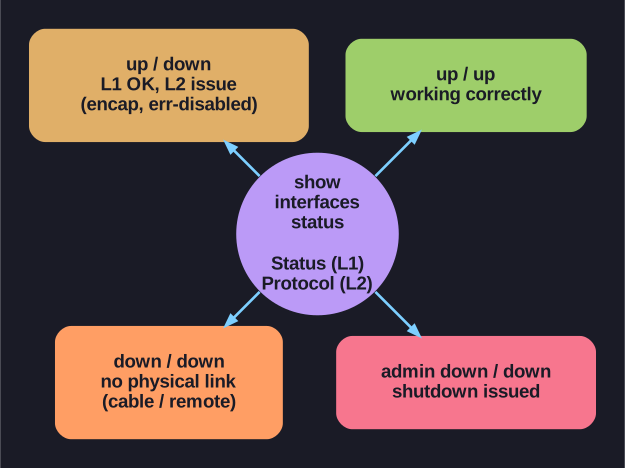
* The four show interfaces status/protocol states. *
Example: FastEthernet0/18 is up, line protocol is up (connected)
| State Combination | Meaning | Likely Cause |
|---|---|---|
| Up / Up | Working correctly | Normal operation |
| Up / Down | Physical link OK, protocol problem | Encapsulation mismatch, error-disabled, or remote end problem |
| Down / Down | No physical connection | Cable not attached, other end administratively down |
| Administratively Down / Down | Manually disabled | shutdown command issued on the interface |
Troubleshooting tips:
- Up / Down: Check for encapsulation type mismatch, error-disabled state, or hardware problem on the remote end
- Down / Down: Check cables, connectors, and verify the remote device is powered on
- Admin Down / Down: Someone ran
shutdown— useno shutdownto re-enable
Go deeper:
 Duplex mismatch (Wikipedia) — a common cause of the up/down protocol state (CRC errors from a mismatch).