Quiz Entry - updated: 2026.07.30
What does the output of show ip interface brief tell you about interface status?
The Status column is the Layer 1 (physical) state and Protocol is the Layer 2 (data link) state; a working interface reads up/up, and administratively down means someone ran shutdown.
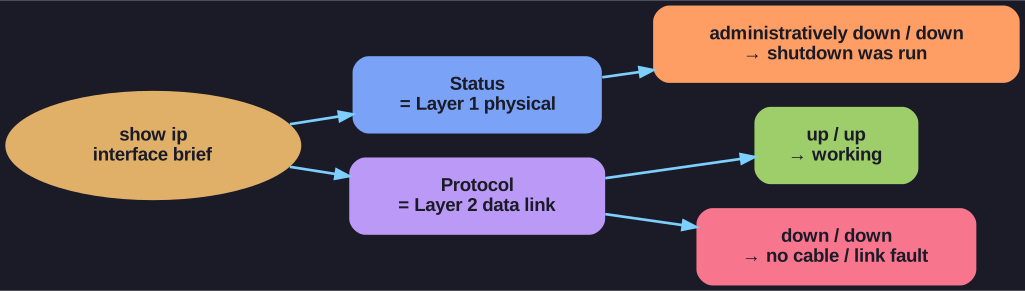
* Status = Layer 1, Protocol = Layer 2; both must read up for the interface to pass traffic. *
show ip interface brief Output Analysis:
R1# show ip interface brief
Interface           IP-Address      OK? Method Status     Protocol
GigabitEthernet0/0/0  192.168.10.1  YES manual up         up
GigabitEthernet0/0/1  209.165.200.225 YES manual up       up
Vlan1               unassigned      YES unset  administratively down down
Status Column (Layer 1 - Physical):
| Status | Meaning |
|---|---|
up |
Interface is physically connected and operational |
down |
No cable or cable/port problem |
administratively down |
Interface disabled with shutdown command |
Protocol Column (Layer 2 - Data Link):
| Protocol | Meaning |
|---|---|
up |
Layer 2 is operational |
down |
Layer 2 problem (no keepalives, encapsulation mismatch) |
For interface to work: Both Status AND Protocol must be up/up.
Go deeper:
 Cisco IOS (Wikipedia) — the IOS interface-state model behind the Status/Protocol columns.