What is the difference between how a PC operating system and a CLI-based network operating system allow users to interact with the device?
A PC OS lets you use a mouse with graphical icons, menus, and windows; a CLI-based network OS relies on a keyboard to enter text-based commands — both show output on a monitor.
Both are operating systems, so both let a user run programs and view output on a monitor — the real difference is how you give them instructions, and that difference shapes how each is used.
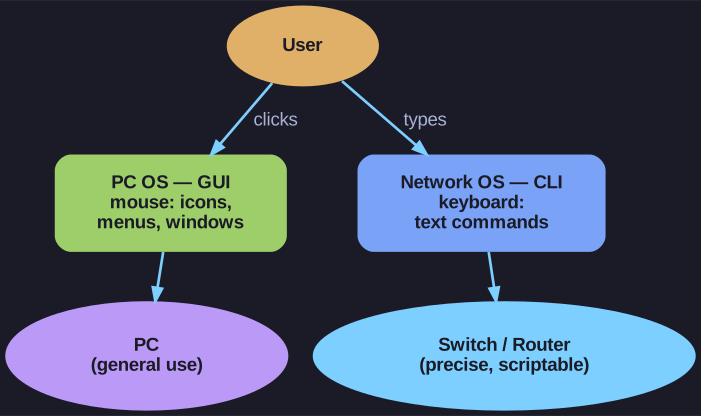
* Same job, different input: a PC OS leans on a graphical mouse-driven interface; a network OS leans on typed CLI commands. *
PC operating system (GUI-based) — you interact mainly through a graphical user interface (GUI): click icons, menus, and windows with a mouse, with text entry as a secondary option. It's discoverable and forgiving, which suits general users.
CLI-based network OS (like Cisco IOS) — you interact through a command-line interface (CLI): everything is typed at a keyboard as text commands, there are no clickable graphics. It demands that you know the commands, but in return gives precise, repeatable control.
That's why network devices favour the CLI: text commands are exact, scriptable, lightweight, and work reliably even over slow remote links where a GUI would be impractical.
Go deeper:
 Command-line interface (Wikipedia) — the precision and scriptability that make text commands the network-device default.
- Cisco IOS (Wikipedia) — the CLI-based network OS this card contrasts with a desktop GUI.