What is the difference between su and sudo?
su switches you into another account using THAT account's password and opens a whole new shell; sudo runs a single command as root using YOUR OWN password, checked against /etc/sudoers and logged.
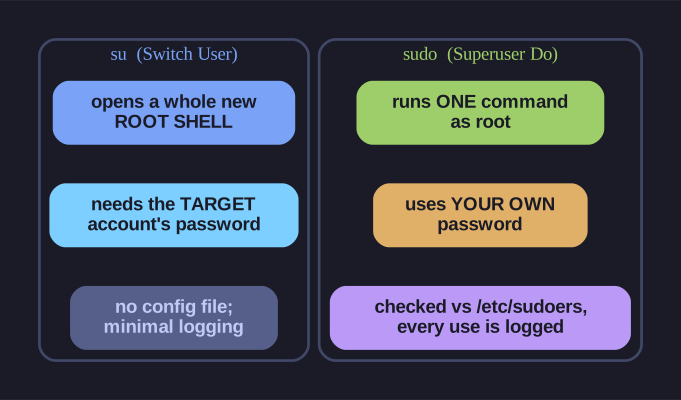
* su (whole shell, target password) vs sudo (per-command, your password, audited). *
The security difference is the whole point: with su to root, everyone who needs admin rights must share the root password and the whole session is unaudited. With sudo, root has no usable password at all, each admin uses their own credentials, you grant exactly which commands each user may run, and every elevation is recorded.
| Aspect | su |
sudo |
|---|---|---|
| Means | "Switch User" | "Superuser Do" |
| Password | Target user's password | YOUR password |
| Session | Opens new shell | Single command (usually) |
| Config | None | /etc/sudoers |
| Logging | Minimal | Full audit trail |
su commands:
su - username      # Switch to user (full login shell)
su username        # Switch (keep current environment)
su -               # Switch to root
su                 # Switch to root (keep environment)
sudo commands:
sudo command       # Run single command as root
sudo -i            # Interactive root shell (like su -)
sudo -s            # Root shell (like su)
sudo -u user cmd   # Run command as specific user
Key difference:
surequires knowing the target user's passwordsudouses YOUR password and checks/etc/sudoers
Best practice: Use sudo - it's more secure, configurable, and auditable.
Mnemonic: su = Switch User, sudo = Superuser Do
Go deeper:
 sudoers(5) — sudoers file format — the "who where = (as_whom) what" rule syntax that makes sudo auditable and per-command.